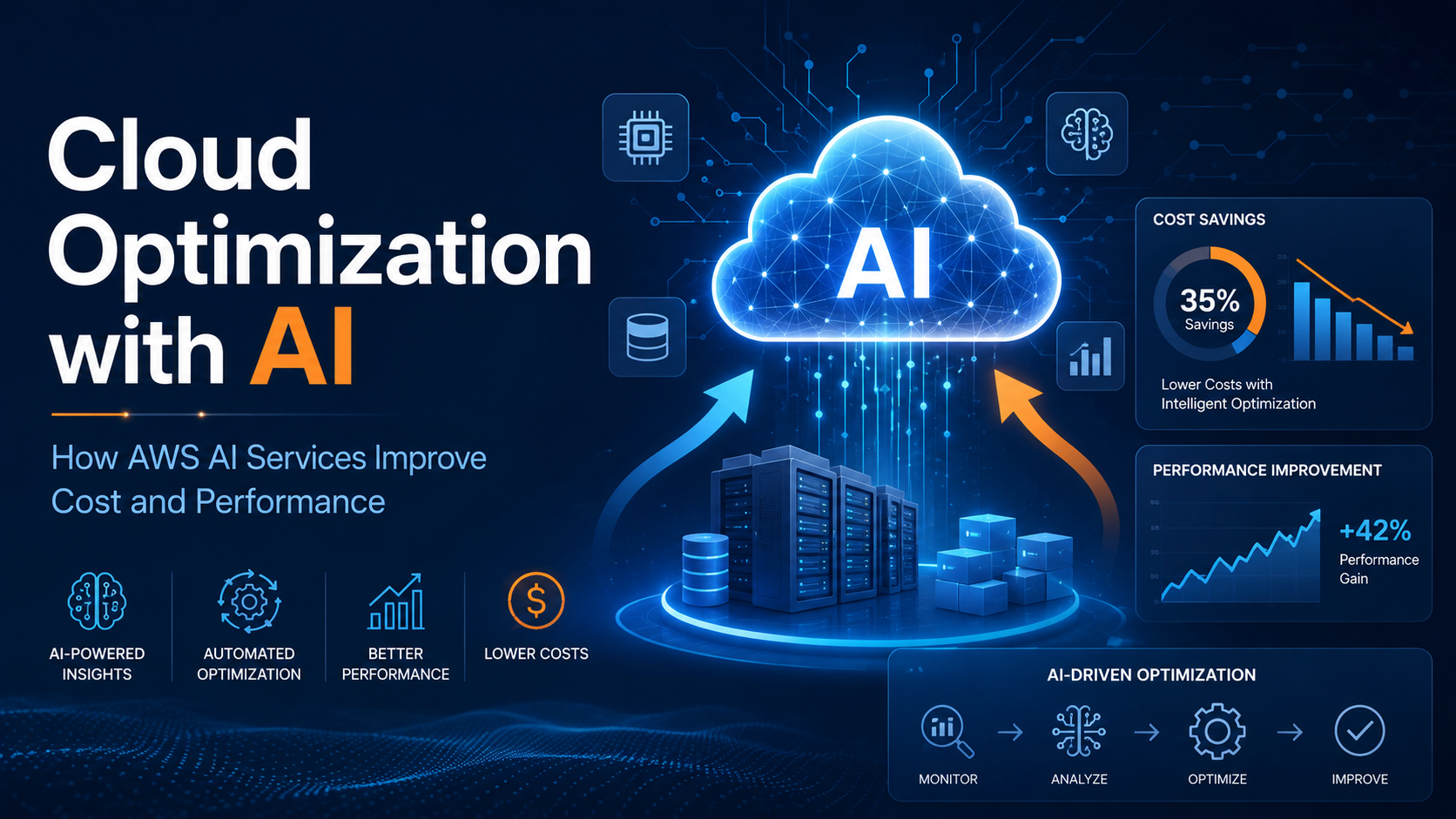
Cloud adoption has changed the way companies build, scale, and innovate. However, as cloud environments grow, so does their complexity. Teams often manage hundreds or thousands of resources across multiple accounts, regions, and services. Without the right strategy, cloud costs can increase quickly, performance can become inconsistent, and operational efficiency can suffer.
This is where cloud optimization with AI becomes essential.
Artificial intelligence helps organizations move from reactive cloud management to proactive optimization. Instead of manually reviewing usage reports, capacity metrics, and billing data, AI-powered tools can analyze patterns, detect inefficiencies, and recommend actions that improve cost, performance, and reliability.
AWS offers several services that use machine learning, generative AI, analytics, and automation to help companies optimize their cloud environments.
What Is Cloud Optimization with AI?
Cloud optimization with AI is the use of artificial intelligence and machine learning to improve how cloud resources are selected, configured, monitored, and consumed.
The goal is not only to reduce costs. True optimization balances:
Cost efficiency, by eliminating waste and rightsizing resources.
Performance, by matching workloads with the best infrastructure.
Scalability, by adjusting resources based on demand.
Reliability, by detecting risks before they become incidents.
Operational efficiency, by reducing manual analysis and repetitive work.
AI can analyze historical usage, identify anomalies, forecast demand, and recommend better configurations faster than traditional manual processes.
If your organization needs support with cloud optimization, AI adoption, or AWS cost-efficiency strategies, feel free to contact us. Our team can help you identify savings opportunities, improve performance, and design smarter cloud operations powered by AI. Get in touch through our contact page and let’s explore how we can help you optimize your cloud environment.
Why Cloud Optimization Matters
Many companies start their cloud journey focused on speed and flexibility. Over time, cloud environments become more complex. Teams may overprovision compute resources, leave idle storage running, use older instance generations, or miss opportunities to use pricing models such as Savings Plans or Reserved Instances.
Cloud optimization helps organizations answer questions such as:
How much are we spending, and why?
Which workloads are overprovisioned?
Which resources are idle or underused?
Where can we improve performance without increasing cost?
Which recommendations should we prioritize first?
AI makes this process more scalable by turning large amounts of operational and billing data into actionable insights.
How AWS Uses AI to Optimize Cloud Environments
AWS provides multiple services that help organizations optimize workloads using AI, machine learning, and generative AI.
1. AWS Compute Optimizer
AWS Compute Optimizer uses machine learning to analyze historical utilization metrics and recommend optimal AWS resources for workloads. It helps companies reduce costs and improve performance by identifying resources that are overprovisioned, underprovisioned, or not using the most efficient configuration. AWS states that Compute Optimizer uses machine learning to analyze historical utilization metrics and recommend optimal resources.
Compute Optimizer can help with recommendations for services such as EC2 instances, Auto Scaling groups, EBS volumes, Lambda functions, and other supported compute resources. It can also help identify opportunities to move to newer generation resources or AWS Graviton-based instances where appropriate.
For example, if an EC2 instance consistently uses only a small percentage of its CPU and memory, Compute Optimizer may recommend a smaller instance type. If another workload is underpowered, it may recommend a better-performing configuration.
2. AWS Cost Optimization Hub
AWS Cost Optimization Hub provides a centralized place to identify, filter, and aggregate AWS cost optimization recommendations across accounts and regions. It helps organizations prioritize savings opportunities instead of checking multiple services separately.
Cost Optimization Hub includes recommendations such as:
Rightsizing resources
Deleting idle resources
Using Savings Plans
Using Reserved Instances
Prioritizing estimated savings opportunities
AWS also explains that Cost Optimization Hub can work with AWS Organizations to consolidate recommendations across member accounts and regions, making it useful for companies with multi-account environments.
This is especially valuable for FinOps teams because it provides a single view of potential savings and helps prioritize the highest-impact actions.
3. Amazon Q Developer for Cost Optimization
Amazon Q Developer brings generative AI into AWS cost management. AWS documentation describes Amazon Q Developer as a generative AI-powered conversational assistant that helps users understand, analyze, and optimize AWS costs. Users can ask natural-language questions about costs and receive insights, analysis, and recommendations.
For example, teams can ask questions such as:
“Why did my AWS bill increase last month?”
“Which services are driving most of my cost?”
“Show me the biggest optimization opportunities.”
“How can I reduce EC2 spending?”
AWS also notes that Amazon Q Developer can analyze historical and forecasted costs from Cost Explorer and discover recommendations from Cost Optimization Hub and AWS Compute Optimizer.
This makes cloud optimization more accessible to engineering, finance, and operations teams because users do not need to manually build complex reports before finding insights.
4. AWS Cost Explorer and Forecasting
AWS Cost Explorer helps organizations visualize, understand, and manage AWS costs and usage over time. When combined with AI-driven services such as Amazon Q Developer and recommendation engines like Compute Optimizer, Cost Explorer becomes part of a broader optimization workflow.
Teams can analyze trends, detect unusual spending patterns, forecast future costs, and connect those insights to practical actions.
For example, a company may identify that data transfer costs increased significantly in one region, then use AWS tools to investigate the root cause and adjust architecture or usage patterns.
5. Automation of Optimization Recommendations
AI recommendations are most valuable when they lead to action. AWS supports automation through services such as AWS Lambda, AWS Systems Manager, Amazon CloudWatch, AWS Budgets, and AWS Organizations.
For example, a company can create automated workflows to:
Stop non-production resources outside business hours.
Notify teams when usage exceeds budget thresholds.
Apply approved rightsizing recommendations.
Tag untagged resources.
Detect idle resources and route them for review.
Automate reports for engineering and finance teams.
AWS has also published guidance on automating AWS Compute Optimizer recommendations to help reduce manual effort and accelerate cost optimization.
Business Benefits of AI-Powered Cloud Optimization
AI-powered cloud optimization helps companies achieve several important outcomes.
Lower Cloud Costs
AI can identify waste that humans may miss, such as oversized instances, idle volumes, unused load balancers, or inefficient purchasing options. This helps companies reduce unnecessary spending while maintaining business performance.
Better Performance
Optimization is not only about cutting costs. In some cases, AI may recommend increasing capacity or switching to a better resource type to improve application performance.
Faster Decision-Making
Instead of manually reviewing dashboards and spreadsheets, teams can use AI-generated recommendations and conversational assistants to understand what changed, why it happened, and what to do next.
Improved FinOps Collaboration
Cloud optimization requires collaboration between finance, engineering, operations, and business teams. AWS services such as Cost Optimization Hub and Amazon Q Developer help create a shared view of costs, recommendations, and priorities.
Continuous Optimization
Cloud environments change constantly. New workloads are deployed, traffic patterns shift, and business needs evolve. AI enables continuous optimization by monitoring usage patterns and generating updated recommendations over time.
Best Practices for Cloud Optimization with AWS AI Services
To get the best results, organizations should treat optimization as an ongoing process.
First, enable visibility across accounts and regions using AWS Organizations, Cost Explorer, and Cost Optimization Hub. Then, use AWS Compute Optimizer to identify rightsizing opportunities based on real utilization data.
Next, prioritize recommendations by business impact. Not every recommendation should be applied automatically. Production workloads may require testing, change management, and performance validation.
It is also important to implement strong tagging standards. Tags help teams understand ownership, environment, application, and cost center. Without good tagging, optimization becomes harder to manage at scale.
Finally, use automation carefully. Start with low-risk actions, such as reporting, notifications, or stopping non-production resources. Over time, mature teams can automate more advanced optimization workflows.
Example: AI-Driven Optimization Workflow on AWS
A typical AWS optimization workflow could look like this:
- AWS Cost Explorer shows an increase in monthly compute costs.
- Amazon Q Developer helps the team ask natural-language questions about the cost increase.
- Cost Optimization Hub centralizes savings opportunities across accounts and regions.
- AWS Compute Optimizer identifies oversized EC2 instances and underused EBS volumes.
- The engineering team reviews recommendations and validates workload impact.
- Approved changes are automated using AWS Lambda or Systems Manager.
- Finance and engineering teams track savings and performance improvements over time.
This approach combines AI insights, human review, and automation to create a sustainable optimization process.
Conclusion
Cloud optimization is no longer just a cost-control exercise. It is a strategic capability that helps organizations improve efficiency, performance, and business agility.
AWS offers several AI-powered and AI-assisted services to support this journey. AWS Compute Optimizer uses machine learning to recommend better resource configurations. AWS Cost Optimization Hub centralizes and prioritizes savings opportunities. Amazon Q Developer adds generative AI capabilities that allow teams to analyze and optimize costs through natural-language conversations.
By combining these services with strong FinOps practices, automation, and continuous monitoring, organizations can build a smarter cloud environment—one that is cost-efficient, high-performing, and ready to scale.